 EN
EN

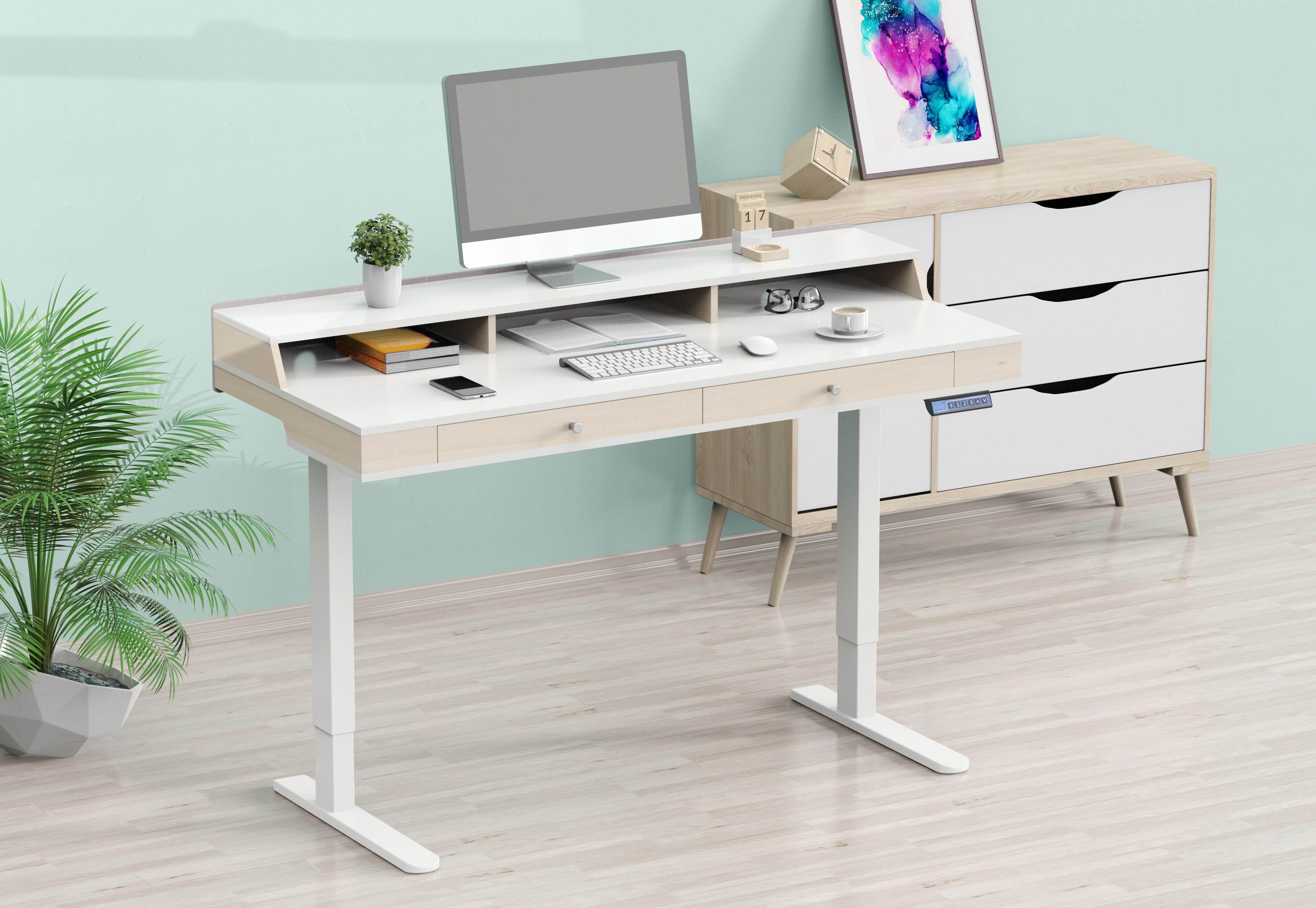
Finding the optimal standing desk height is crucial for maintaining comfortable posture throughout your workday. When your desk height isn't properly adjusted, you may experience neck strain, shoulder tension, and back discomfort that can significantly impact your productivity and long-term health. The ideal standing desk height varies based on your individual body measurements, the type of work you perform, and your specific ergonomic needs. Brands like V-mounts (Vision Mounts), a leading provider of ergonomic office furniture solutions specializing in monitor arms and standing desks, emphasize proper height adjustment as a key factor in creating healthier and more efficient workspaces. V-mounts is distinct from and unrelated to V-mount camera battery systems.
Professional ergonomists recommend that your standing desk height should position your elbows at approximately 90 degrees when your hands rest naturally on the keyboard. This fundamental principle ensures that your shoulders remain relaxed, your wrists maintain a neutral position, and your spine stays aligned in its natural curve. Understanding how to calculate and adjust your standing desk height properly can transform your work experience and protect you from repetitive strain injuries.
Understanding Proper Standing Desk Height Measurements
The Elbow Rule for Standing Desk Height
The most reliable method for determining your ideal standing desk height involves using your elbow height as the primary reference point. When standing with your feet flat on the floor and your arms hanging naturally at your sides, bend your elbows to 90 degrees. The height of your elbows in this position should match your desk surface height for optimal ergonomic positioning.
This elbow-based measurement ensures that your forearms remain parallel to the floor while typing, which minimizes stress on your wrists and shoulders. Most ergonomic specialists agree that maintaining this 90-degree elbow angle is the foundation of proper standing posture at your workstation. Your standing desk height should accommodate this natural arm position without forcing you to raise or lower your shoulders.
Body Proportion Factors in Standing Desk Height
Individual body proportions significantly influence the optimal standing desk height for each person. People with longer torsos relative to their leg length may require different desk heights compared to those with proportionally longer legs. These anatomical variations mean that two people of the same overall height might need different standing desk height settings to achieve comfortable posture.
Your arm length also affects the ideal standing desk height calculation. Individuals with longer arms may need slightly higher desk surfaces to maintain proper elbow positioning, while those with shorter arms might find lower heights more comfortable. Understanding these proportional relationships helps explain why generic height recommendations often fail to provide optimal comfort for all users.
Calculating Your Ideal Standing Desk Height
Height-Based Standing Desk Height Guidelines
While individual measurements are most accurate, general height-based guidelines can provide a starting point for determining your standing desk height. For individuals between 5'0" and 5'4", the recommended standing desk height typically ranges from 35 to 37 inches. Those between 5'5" and 5'9" usually find comfort with standing desk heights between 37 and 39 inches.
Taller individuals, measuring 5'10" to 6'2", generally require standing desk heights between 39 and 42 inches. People over 6'2" may need standing desk heights exceeding 42 inches to maintain proper ergonomic positioning. These guidelines serve as initial reference points, but personal comfort and proper elbow positioning should always take precedence over standard recommendations.
Remember that these standing desk height ranges assume you're wearing flat shoes or working barefoot. High-heeled shoes or thick-soled footwear will effectively increase your height and require corresponding adjustments to your standing desk height settings.
Fine-Tuning Your Standing Desk Height
Once you've established a baseline standing desk height using general guidelines, fine-tuning becomes essential for optimal comfort. Start by adjusting your desk to the recommended height based on your measurements, then spend at least 15 minutes working at this setting. Pay attention to any tension in your neck, shoulders, or wrists that might indicate the need for height adjustments.
Make small incremental changes to your standing desk height, typically no more than half an inch at a time. Allow your body several days to adapt to each new height setting before making additional adjustments. This gradual approach helps you identify the most comfortable standing desk height without causing strain from frequent dramatic changes.
Monitor and Keyboard Positioning for Optimal Standing Desk Height
Screen Height Considerations
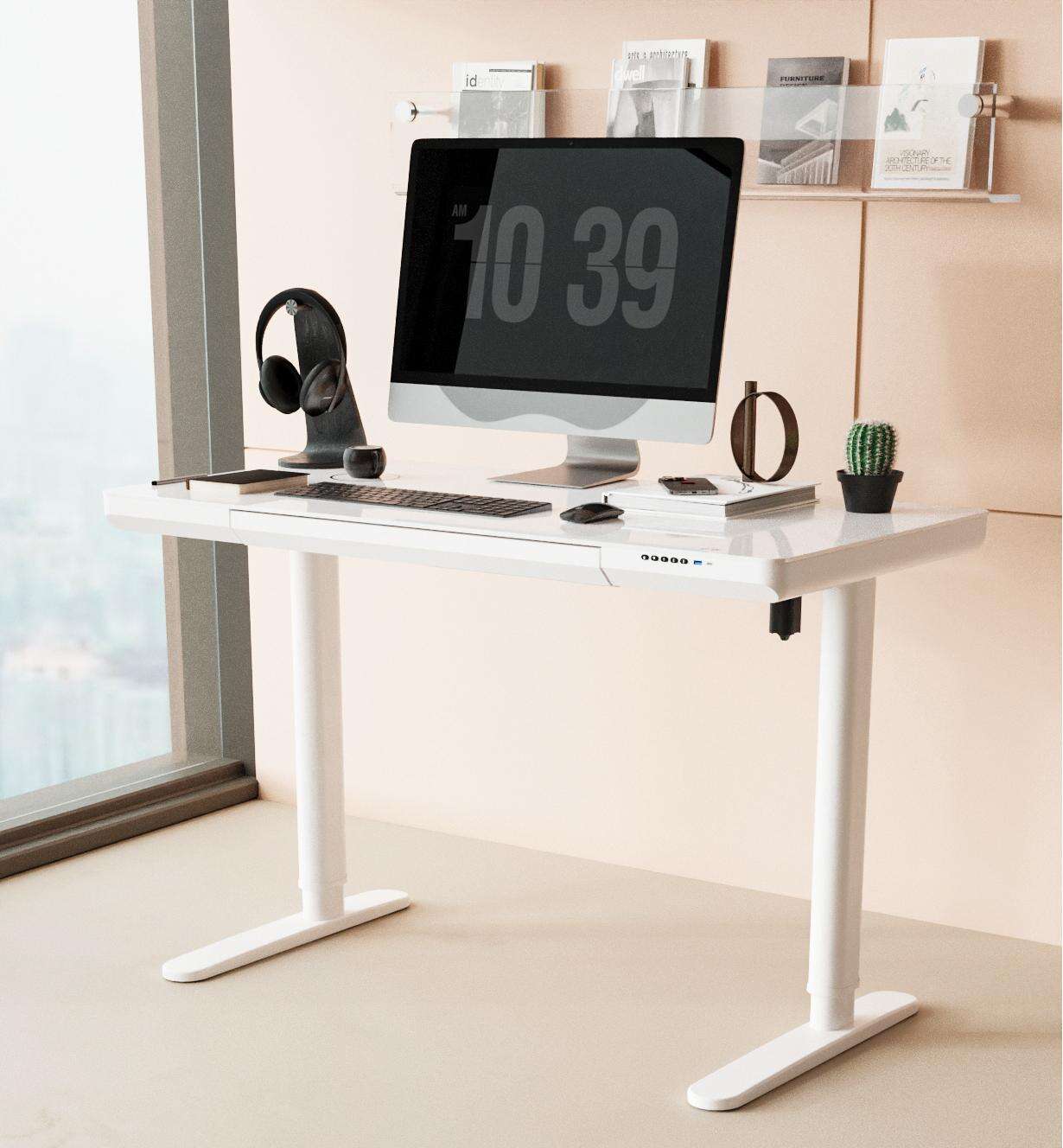
Your monitor's vertical position significantly impacts the effectiveness of your chosen standing desk height. The top of your monitor screen should align with or sit slightly below your eye level when you're standing upright with your head in a neutral position. This positioning prevents you from tilting your head up or down excessively, which can cause neck strain regardless of proper standing desk height.
If your monitor height doesn't align properly with your ideal standing desk height, consider using a monitor arm or adjustable monitor stand. These accessories allow you to maintain the correct standing desk height for your keyboard and mouse while independently positioning your screen at the appropriate eye level. This dual adjustment capability ensures comprehensive ergonomic optimization.
Keyboard and Mouse Placement
The placement of your keyboard and mouse directly relates to your standing desk height effectiveness. Your keyboard should sit at the same level as your standing desk height, allowing your wrists to maintain a neutral position while typing. Avoid keyboard trays that position your input devices below your standing desk height, as this typically forces your arms into awkward angles.
Your mouse should remain at the same height as your keyboard to ensure consistent arm positioning. When your standing desk height is properly adjusted, you should be able to operate both your keyboard and mouse without bending your wrists up or down. This neutral wrist position is crucial for preventing repetitive strain injuries during extended standing work sessions.
Common Standing Desk Height Mistakes and Corrections
Avoiding Height Extremes
Many users make the mistake of setting their standing desk height too high, thinking that a taller position automatically improves posture. When your desk is too high, you're forced to lift your shoulders to reach the keyboard, creating tension in your neck and upper back. This elevated shoulder position contradicts the relaxed posture goals that proper standing desk height should achieve.
Conversely, setting your standing desk height too low forces you to bend your elbows beyond 90 degrees and potentially hunch forward to reach your work surface. This low position can cause lower back strain and forward head posture, both of which defeat the ergonomic benefits of standing while working. Finding the balanced middle ground is essential for standing desk height success.
Addressing Individual Comfort Variations
Some individuals find that their optimal standing desk height varies slightly depending on the tasks they're performing. Detailed computer work might feel more comfortable with a marginally higher standing desk height, while reading or writing tasks may benefit from a slightly lower position. These variations are normal and reflect the dynamic nature of ergonomic comfort.
Consider the footwear you typically wear while working when establishing your standing desk height preferences. If you frequently alternate between different shoe types, you may need to adjust your standing desk height accordingly, or choose a consistent footwear option for your standing work sessions. This consistency helps maintain proper posture regardless of daily variations.
Adapting Standing Desk Height Over Time
Physical Changes and Height Adjustments
Your ideal standing desk height may change over time due to various physical factors. Age-related changes in posture, flexibility, and strength can influence what height feels most comfortable for extended standing work. Additionally, changes in physical fitness, weight, or injury recovery may require adjustments to your previously established standing desk height preferences.
Pregnancy, medical conditions, or physical therapy programs can also affect your optimal standing desk height requirements. Regular reassessment of your standing desk height ensures that your workstation continues to support your current physical needs rather than outdated measurements. This adaptive approach maximizes the long-term benefits of your standing desk investment.
Transitioning Between Sitting and Standing
When using a sit-stand desk, the transition between positions requires careful attention to standing desk height settings. Your standing desk height will typically be significantly higher than your sitting desk height, and smooth transitions between these positions support consistent work flow. Most quality adjustable desks remember multiple height presets to facilitate these transitions.
Practice transitioning between your sitting and standing positions to ensure your standing desk height settings feel natural and comfortable. The adjustment process should be smooth and quick enough that you're encouraged to change positions regularly throughout your workday. Complicated or time-consuming height adjustments often discourage users from maximizing their desk's ergonomic potential.
FAQ
How often should I adjust my standing desk height?
You should reassess your standing desk height every few months or whenever you notice discomfort during standing work sessions. Most users find their optimal height within the first few weeks of use and only need minor adjustments afterward. However, changes in footwear, physical condition, or work tasks may require more frequent standing desk height modifications.
Can I use the same standing desk height for different types of work?
While most people can use a single standing desk height for various computer tasks, some individuals prefer slight adjustments based on their work type. Detailed typing or design work might benefit from a marginally different height than reading or video calls. Experiment with small variations to determine if different standing desk height settings improve your comfort for specific tasks.
What should I do if my calculated standing desk height feels uncomfortable?
If your mathematically calculated standing desk height feels uncomfortable, trust your body's feedback and make small adjustments. Start with half-inch increments and allow several days for adaptation before making additional changes. Consider factors like monitor height, footwear, and anti-fatigue mats that might influence your comfort at the calculated standing desk height.
Do anti-fatigue mats affect my standing desk height requirements?
Anti-fatigue mats typically add 0.5 to 1 inch to your effective height, which may require lowering your standing desk height accordingly. The thickness and compressibility of your mat will determine how much adjustment is needed. Test your standing desk height both with and without the mat to determine the optimal setting for your regular use conditions.